We are using cookies in order to give you the most relevant experience. To use the site, it is necessary to accept the cookie policy.
KeyForge Master is a intuitive software that lets you create custom actions and configurations, turning your keyboard into a tailored productivity powerhouse.
Work smarter, not harder.
Multiple predefined actions to choose from. Also you can create multiple configs for every use case.
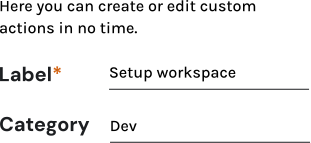
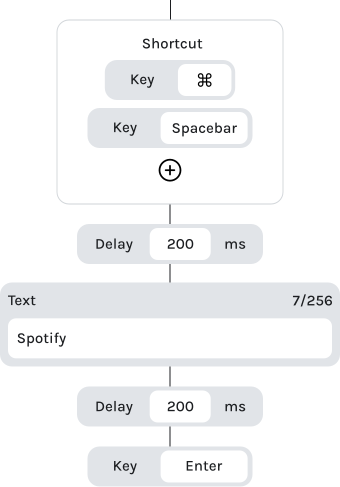
You can also create your own custom actions/macros using our drag and drop builder.
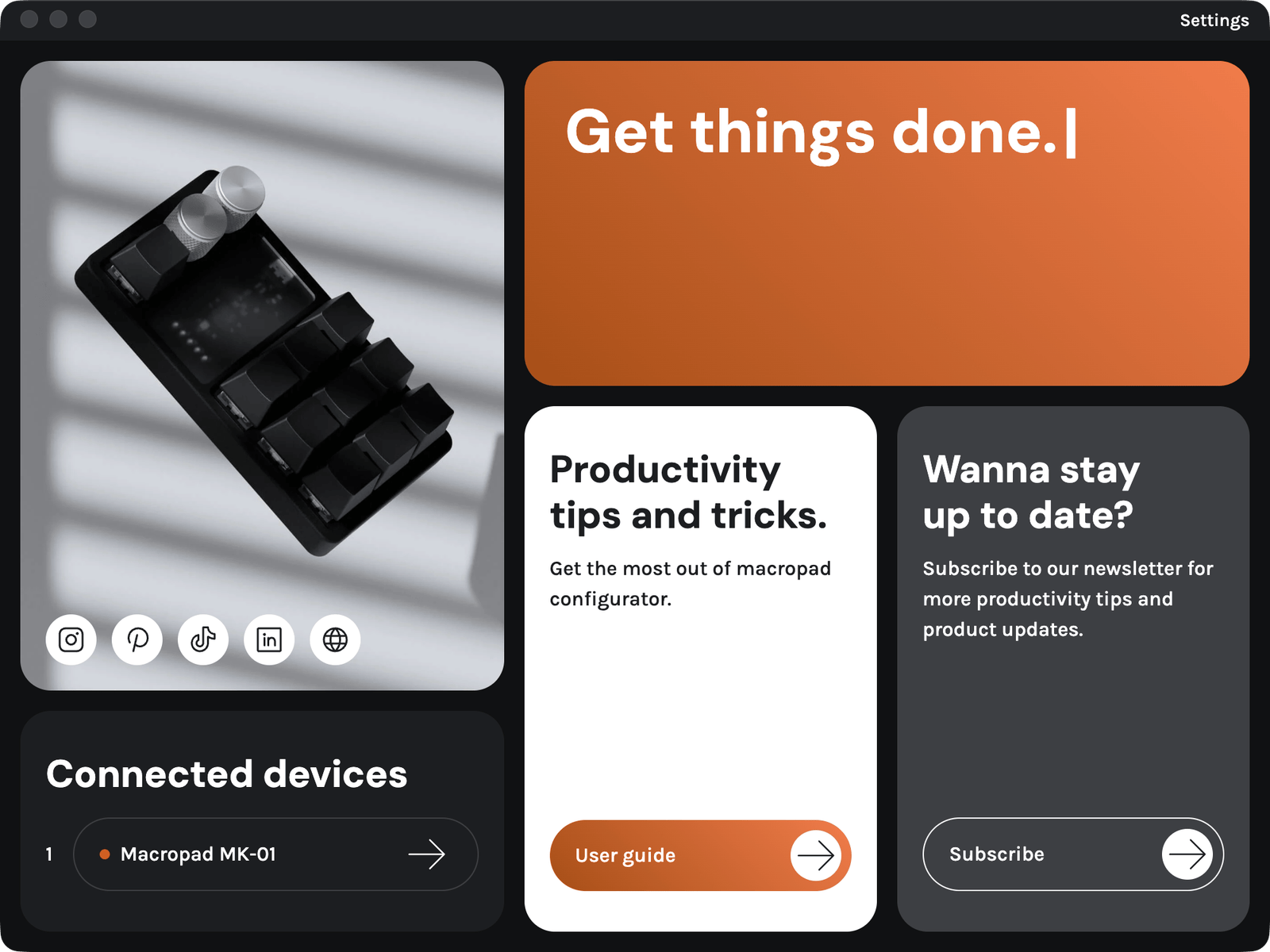
You need to connect your KeyForge device to proceed to the next steps and be able to configure your device.
You got your KeyForge device, you got the KeyForge Master configurator. Now the fun begins. You can create your first configuration and customize it.
You can create multiple configurations for work and fun in the Settings panel. Switch the active configuration by pressing the SuperKey (SK) on your device or using the Settings panel.
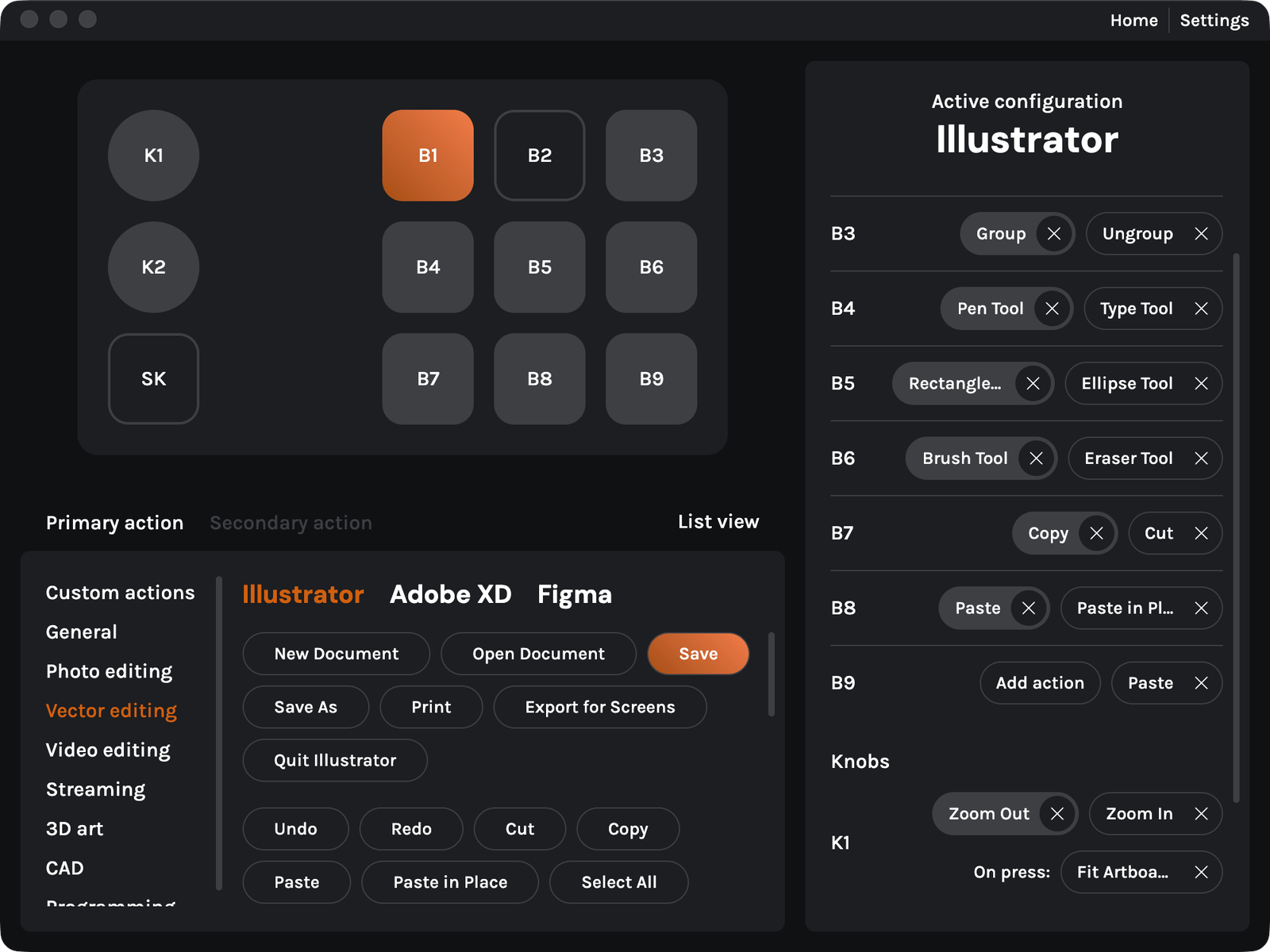
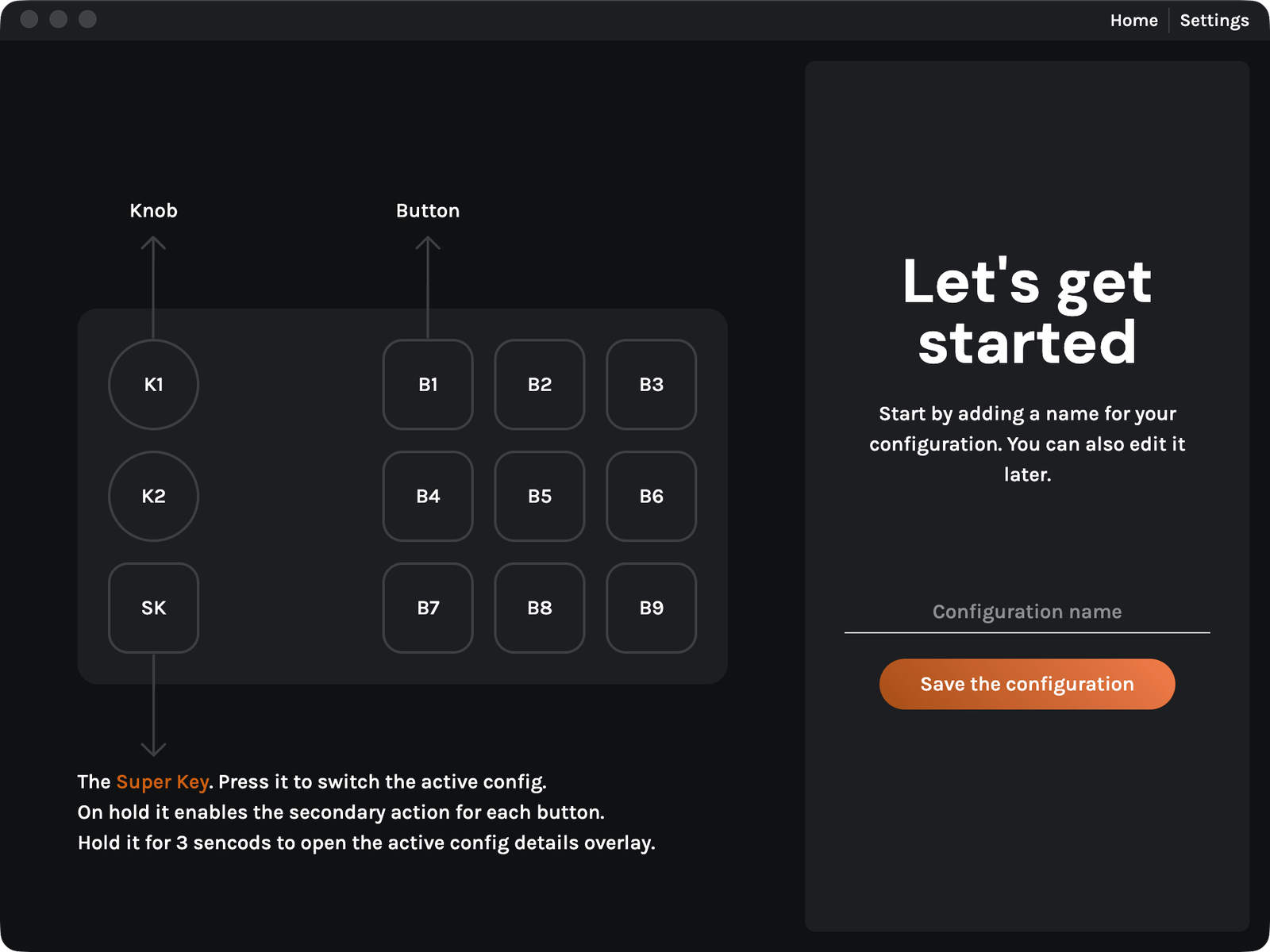
Now you can select a button or an encoder. For buttons you can choose to customize the primary or the secondary action and for the knobs you can customize the button press, right and left turn action.
You can add actions to the buttons and encoders from a list with predefined software. The secondary acctions are accessed on the device by holding the SuperKey.
Also you can supercharge your productivity by creating custom actions.
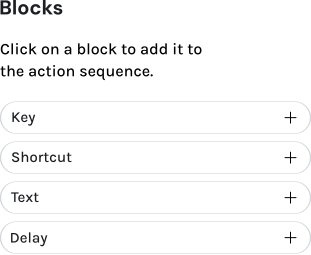
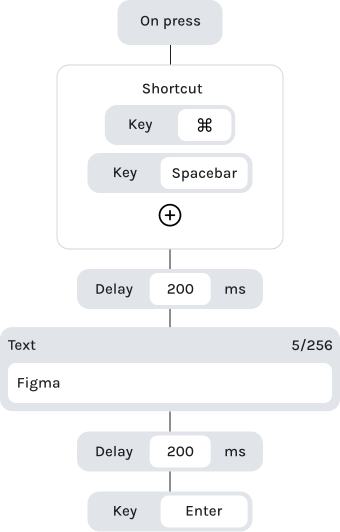
Forge powerful workflows with the block based action builder
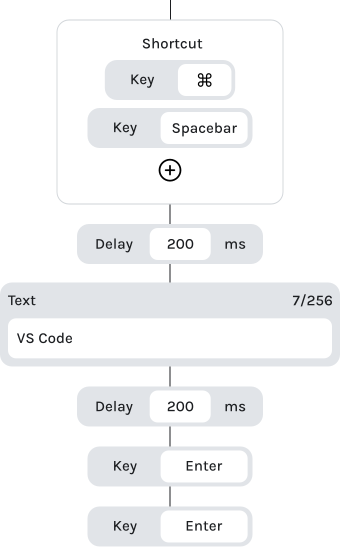
Combine blocks like shotrcuts, text, delays and more to create complex workflows.
Add delays and order the blocks exactly how you need them
Insert text, commands or entire sentences with ease